Tools

Wedding planning tools for every part of your wedding

Every planning tool, one plan underneath.

Budget, guests, timelines, vendors and more, all connected in one wedding planning platform. Plan one event or an entire multi-day celebration without juggling spreadsheets, separate apps and group chats.

All tools

Every tool, by what it helps with

Start here

The tools most couples begin with

Set a budget, a booking order, a guest list, a timeline, a seating chart and your website. The budget calculator, checklist and seating chart work right here, no account needed.

Budget & payments

Start here

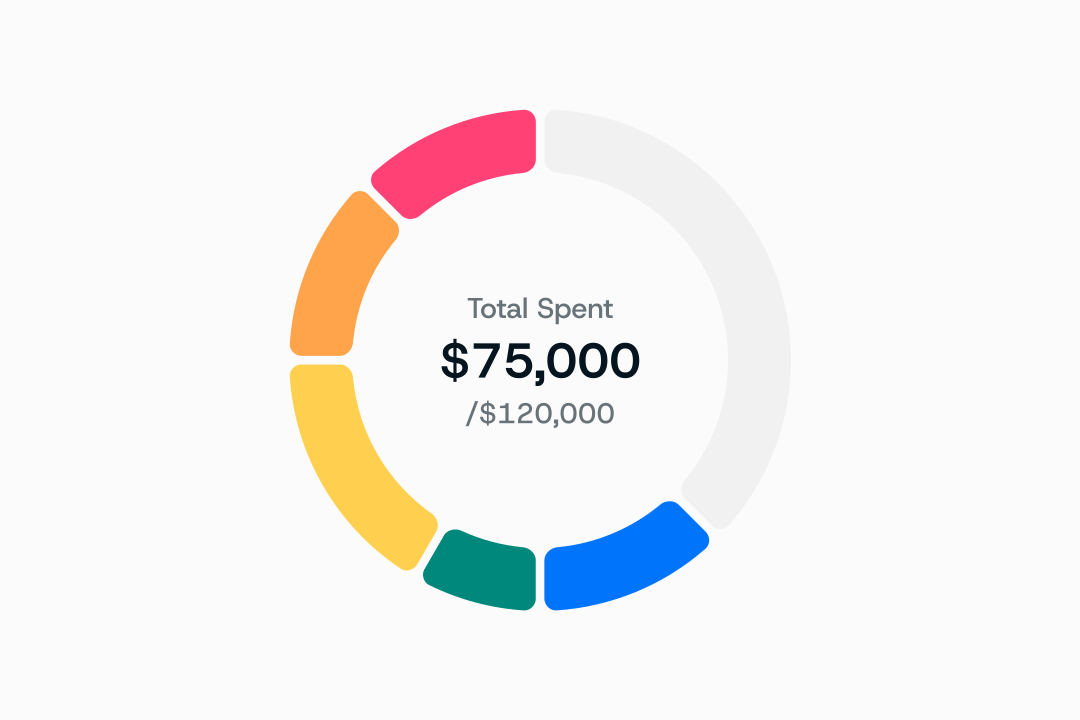
Plan your budget by guest count, event and category, then track planned against actual spend as you book.

Timeline & day-of

Start here

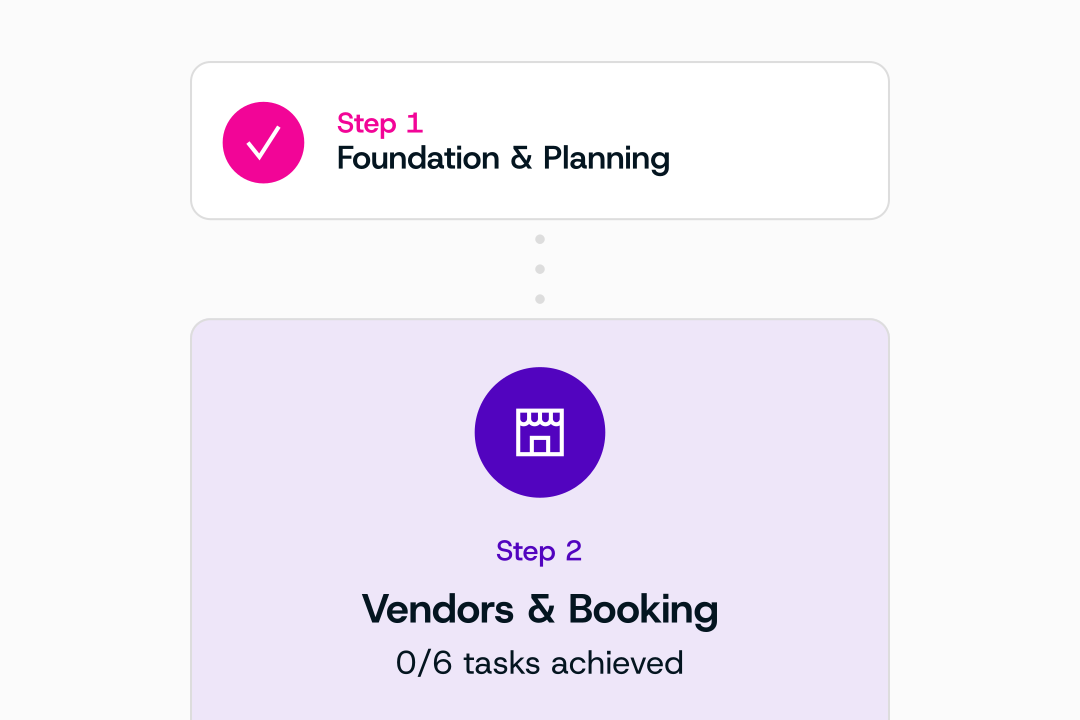
What to book and when, in the order things actually book up, with a version for your traditions.

Timeline & day-of

Start here

Turn the plan into a run of show every vendor can follow, one day or four.

Guests

Start here

One list with per-event invitations, dietary needs and travel details.

Guests

Start here

Seat each event from one guest list, and get warned before two guests you flagged share a table.

Design & vision

Start here

A site that pulls its details from the plan you already built, so it is never out of date.

More in the app

Deeper tools for the rest of the plan

Contracts, RSVPs, vendors, mood boards and the day itself, all working from the same guest list, budget and timeline.

Budget & payments

Start here

Plan your budget by guest count, event and category, then track planned against actual spend as you book.

Timeline & day-of

Start here

What to book and when, in the order things actually book up, with a version for your traditions.

Timeline & day-of

Start here

Turn the plan into a run of show every vendor can follow, one day or four.

Guests

Start here

One list with per-event invitations, dietary needs and travel details.

Guests

Start here

Seat each event from one guest list, and get warned before two guests you flagged share a table.

Design & vision

Start here

A site that pulls its details from the plan you already built, so it is never out of date.

Guests

Save the dates, reminders and live responses, per event instead of per wedding.

Vendors

Find vendors by the traditions they have worked, then shortlist them and compare quotes in one place.

Design & vision

Turn each rite into its own event, with who leads it and what it needs, for one tradition or two.

Design & vision

Vendors build a mood board from their own work or upload one, share it with the couple, and everyone approves the look together.

Budget & payments

Keep every quote, signed contract and deposit in one thread per vendor, with reminders before each payment is due.

Vendors

Vendors upload the questionnaire they already use, or build one here, and share it with each couple; couples send one brief to every vendor and compare the answers.

Guests

Share every registry and cash fund through one link, and track thank-yous against your guest list so nobody is missed.

Design & vision

Catch an idea the moment it comes, pin it to the part of the plan it belongs to, and turn it into a task in one tap.

Timeline & day-of

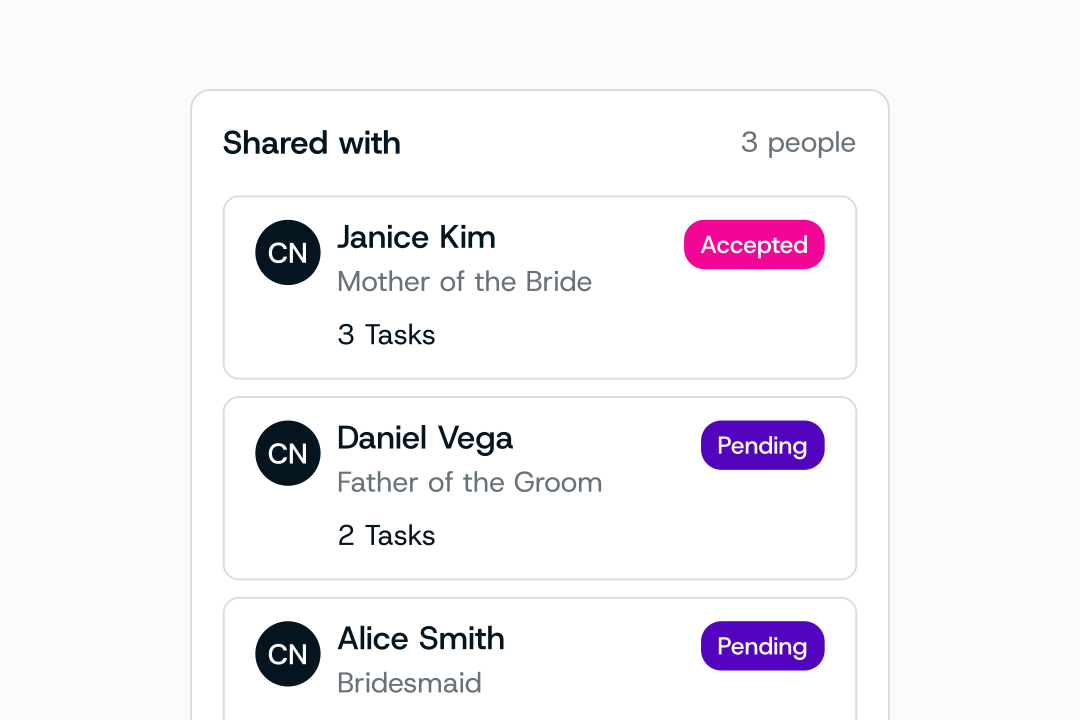
Give your partner, families and planner their own seats, so a parent can see the timeline without seeing the budget.

Timeline & day-of

Schedule travel, deliveries, setup and breakdown around the run of show, with a contact on every pickup.

All your wedding planning tools. One connected plan.

Budget, guests, seating and chat, synced with everyone planning with you.

Multi-day weddings

Built for weddings that are more than one day

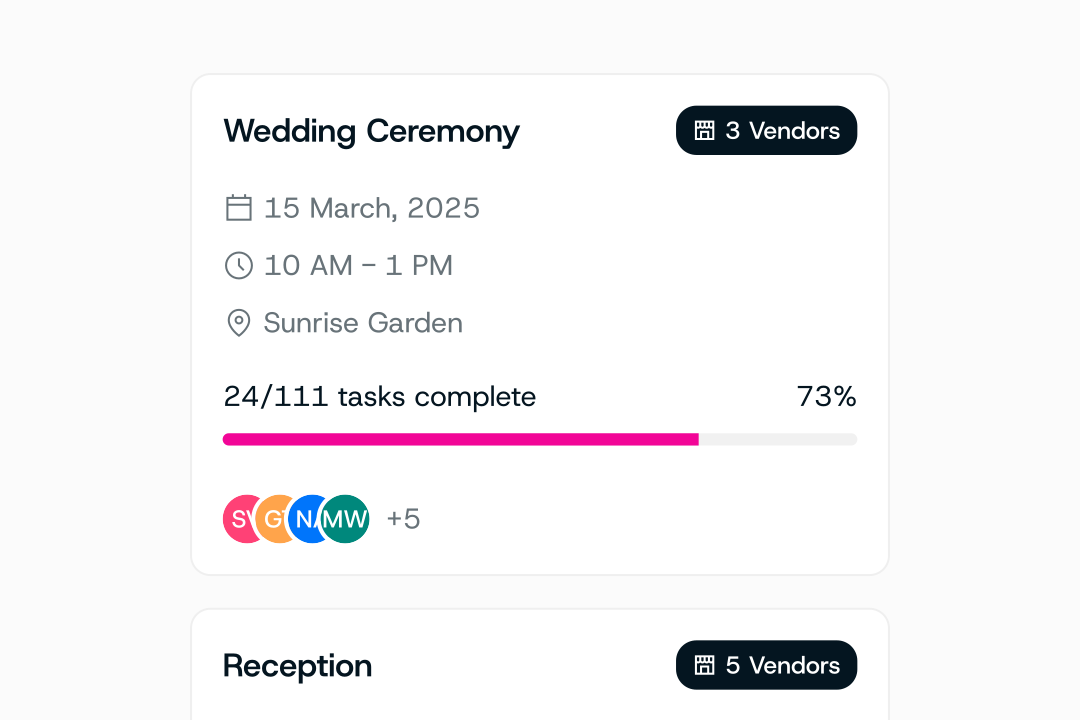
A haldi, a mehndi, a sangeet, a ceremony, a reception and a brunch. One guest list across every event, shared vendors, and timelines that connect, so each tool works per event instead of per wedding.

One guest list · six events

Haldi

Thursday morning · family home

60 guests

Mehndi

Thursday evening · garden room

120 guests

Sangeet

Saturday · ballroom

250 guests

Ceremony

Sunday morning · mandap on the lawn

300 guests

Reception

Sunday evening · ballroom

300 guests

Farewell brunch

Monday · hotel terrace

80 guests

Example plan: one guest record, invited event by event.

Common questions

About the tools

AyeDu’s planning tools cover budget, guest list, RSVPs, seating, checklists, timelines, mood boards, contracts and vendor search. Each runs on its own and shares the same guest list, budget and timeline underneath, and each handles weddings with more than one event rather than assuming a single day.

Which tools are free?

The budget calculator and the seating chart run in the browser with no account. The download library gives the first file with no form. Everything in the app (guest list, RSVPs, timeline, mood board, contracts) is included on the free plan for one wedding.

Yes, and that is the point of them. Guest lists, budgets, seating charts and timelines are all held per event rather than per wedding, so a haldi with 60 guests and a reception with 400 are separate objects sharing one underlying guest record.

Yes. The guest list, budget and timeline export at any time, in Sheets and Excel formats, including after a cancellation. Read-only access to your plan continues after you cancel, so nothing you built becomes unreachable.

No. A vendor sees the guest count for the events they are working and their own call times, briefs and contracts. They do not see the full guest list, the total budget, or any other vendor’s quote.

Start with your total budget, your guest count and the number of events. AyeDu then helps you allocate spending across categories and track your planned budget against actual costs as you book vendors. Costs vary a lot with location, guest count, venue type and season. Our guide to planning a wedding on a budget walks through every expense.

Costs vary with the number of events, guest count, venue, catering and location, so there is no single formula. Budget each event on its own, with its own guest count, since a mehndi or haldi is often smaller than the reception, then consolidate them into one total. The wedding budget calculator gives you a starting split to adjust.

Yes. It runs in the browser with no account and no email address. You can adjust every category. Saving a budget so it carries into your plan requires a free account, but nothing on the page is gated.

Nothing you have entered gets lost

Any budget or guest count you built while browsing carries into your account exactly as you left it.

Next: create your password. Free to start for couples. No credit card required.